When NOT to Use WordPress Multisite (and What to Use Instead)

WordPress Multisite looks like the obvious answer the first time you are staring at ten client installs and ten update cycles. One dashboard, one login, one place to manage everything. The pitch is clean.
The problem shows up later, usually at the worst possible moment: a plugin update takes down every client site at once, or a client asks to take their site elsewhere and you realize extraction is a weekend project. Multisite optimizes for a network that acts as one. Most client work is the opposite: separate owners, separate needs, separate exits.
Here are the specific situations where Multisite is the wrong call, what breaks in each one, and the isolation-first setup that avoids the problem.
1. When each client needs a different plugin and theme stack
Multisite shares one wp-content directory across every subsite. Plugins are installed network-wide, then network-activated or enabled per site, but they all live in the same files and load from the same place. A plugin that one client needs and another client must never run still sits in the shared codebase for both.
That constraint fights you constantly in client work, where the whole point is that Client A gets a booking plugin, Client B gets a membership stack, and neither should inherit the other’s baggage or attack surface.
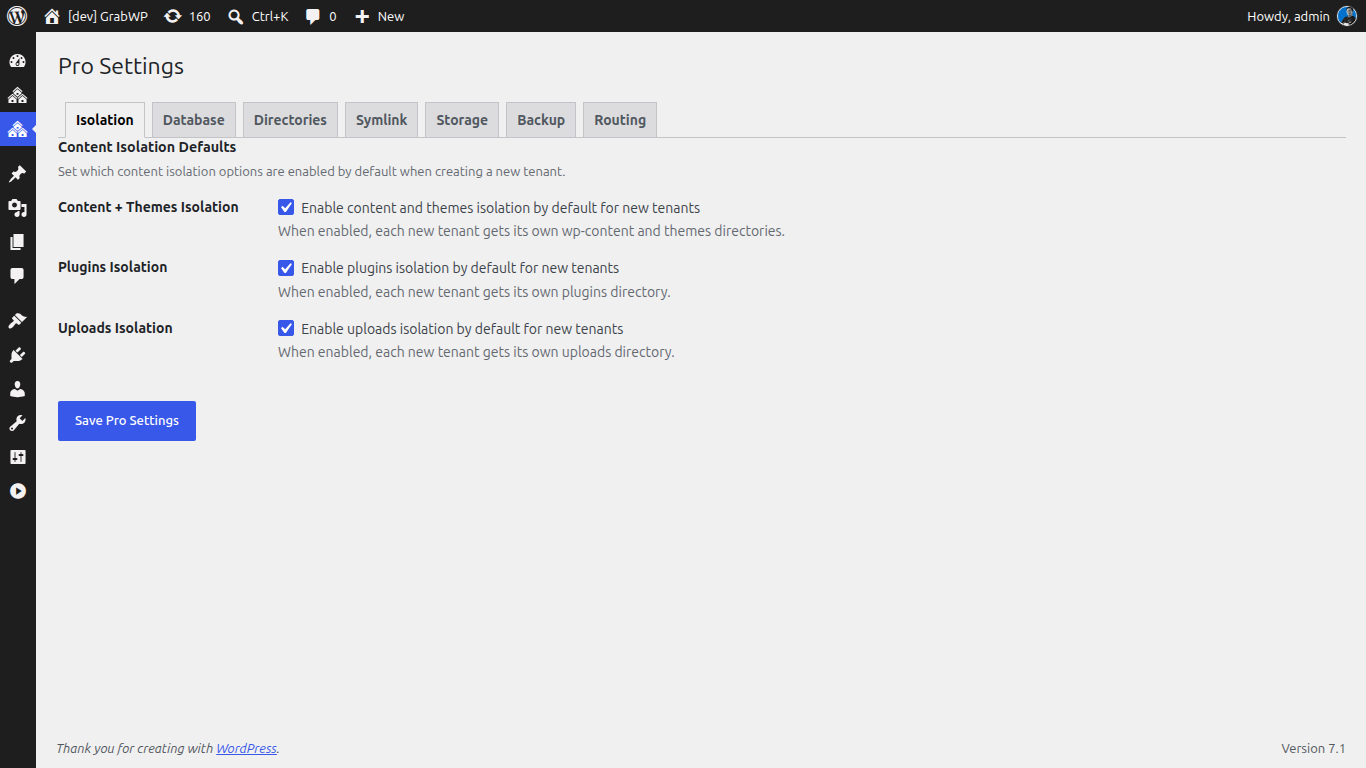
The alternative: true per-tenant isolation. GrabWP Tenancy Pro gives each tenant its own wp-content directory, so themes and plugins are genuinely separate per client rather than shared and toggled. One client’s plugin set has no bearing on another’s.
2. When a client might ever leave
This is the one that quietly costs the most. On Multisite, a single client’s site is entangled in the network database with shared tables and blog IDs. Pulling one subsite out to hand to a client, or to move to their own hosting, is a multi-step export-and-surgery job, and Multisite export tooling is famously fragile.
If any part of your business involves finishing a site and handing it over, Multisite has built a lock-in you will have to fight every time.
The alternative: clean per-tenant export. GrabWP Tenancy Pro backs up an individual tenant as a self-contained archive, and the free GrabWP Restore plugin rebuilds that tenant as a full standalone WordPress site on any host. Restore streams the database import, rewrites table prefixes to match the destination, and runs a database-wide URL search-and-replace that correctly handles serialized data, then auto-updates the site URL. The client walks away with a normal WordPress install and no dependency on you.
3. When one client’s problem must not become everyone’s problem
Multisite is a shared-fate architecture by design. One database, one file tree, one core. A bad plugin update, a corrupted table, or a compromised subsite is not contained: it sits inside the same database and filesystem as every other client. There is no natural blast radius around a single site.
For a hobby network that is an acceptable trade. For a set of clients each paying for their own uptime, it is a liability you are carrying on their behalf.
The alternative: dedicated databases and per-tenant restore points. GrabWP Tenancy Pro lets each tenant run on a shared MySQL prefix, a fully dedicated MySQL database, or its own SQLite database, so tenant data can be completely separated with zero shared tables. Its 8-step per-tenant restore workflow rolls back one client’s site from that client’s own backup without touching any other tenant. One site’s bad day stays one site’s bad day.
4. When your host makes Multisite painful (or forbids it)
Plenty of managed WordPress hosts either do not support Multisite, restrict it, or charge more for it. Even where it runs, subdomain-based Multisite drags in wildcard DNS and SSL setup that turns a five-minute task into a support ticket.
The alternative: routing that does not need DNS gymnastics. GrabWP Tenancy supports full custom domains per tenant and path-based routing, where a tenant lives at yoursite.com/site/client-a with no per-client DNS changes at all. You get multi-site hosting on ordinary single-site hosting.
5. When you actually just want single-install efficiency without the coupling
The real reason people reach for Multisite is not the network features. It is that they do not want to update WordPress core ten times. That is a legitimate goal, but Multisite bundles it with shared databases, shared plugins, and painful offboarding that you never asked for.
The alternative: decouple the two. Multi-tenancy gives you the single-install management win, update core once, one dashboard, clone a starter tenant for each new client, while keeping the isolation of separate installs. You get the efficiency without the coupling.
Multisite vs separate installs vs multi-tenancy, at a glance
| WordPress Multisite | Separate installs | GrabWP Tenancy | |
|---|---|---|---|
| Core updates | Once | Per install | Once |
| Data isolation | Shared DB (prefix + blog ID) | Complete | Complete with Pro (dedicated DB) |
| Per-client plugins/themes | Shared wp-content | Full | Full with Pro (isolated wp-content) |
| Client offboarding | Complex extraction | Simple | Simple (Pro export + free Restore) |
| Blast radius of a failure | All sites | One site | One site |
| Hosting requirements | Often restricted | Standard | Standard (path or domain routing) |
So when IS Multisite right?
To be fair to it: Multisite is a good fit when the network genuinely behaves as one thing. A university running dozens of department sites on one shared theme and plugin set, a media company running regional editions of the same publication, an internal intranet of near-identical sites under one IT team. Shared branding, shared stack, one administrative owner, low churn. If that describes you, Multisite is doing exactly what it was built for.
Client work is almost never that. Different clients want different plugins, own their own data, and eventually leave. The moment “these sites are really separate businesses that I happen to manage together” is true, Multisite’s shared architecture is working against you.
The setup most freelancers and agencies actually want
For managing multiple independent client sites, multi-tenancy hits the middle that Multisite and separate installs each miss: centralized management like Multisite, genuine isolation like separate installs, and a clean exit for any client at any time.
The base GrabWP Tenancy plugin is free and gives you isolated uploads, table prefixes, and domain or path routing. The Pro plan adds dedicated databases, per-tenant wp-content, and per-tenant backup and restore from $9.99/month.
If you want the full architectural breakdown, read WordPress Multisite vs Multi-Tenancy. If you are ready to move a site off an existing network, see how to isolate WordPress client sites without Multisite.
Tác giả
GrabWP Team
WordPress Multi-Tenancy Experts
The GrabWP team builds and maintains the GrabWP Tenancy plugin, helping developers and agencies run scalable multi-tenant WordPress platforms. With years of experience in WordPress core, hosting infrastructure, and plugin development.
Câu hỏi thường gặp
- Is WordPress Multisite ever the right choice?
- Yes, for a network of sites that genuinely share one plugin and theme stack and one administrative team, such as a university department network or a chain of near-identical branch sites. Multisite is the wrong choice when each site needs different plugins, separate data, or a clean handoff to a different owner, which is the norm in client work.
- What is the main risk of running client sites on WordPress Multisite?
- Shared fate. All subsites share one database and one wp-content directory, so a single bad plugin update, a corrupted table, or a security issue can affect every site at once. There is no per-site blast radius, which is the opposite of what you want when different clients are paying for uptime.
- How do you get centralized management without Multisite's shared database?
- Multi-tenancy. GrabWP Tenancy runs every client as an isolated tenant from a single WordPress installation. You keep one dashboard and one core to update, but each tenant has its own table prefix and uploads directory, and with Pro a fully dedicated database and its own wp-content directory.
Editorial standards: Our content is written by WordPress experts with hands-on multi-tenancy experience. Articles are fact-checked and regularly updated to ensure accuracy.